File 01Callout 1
No Watermark
Files come without the TikTok logo and username overlay, so they look clean when you share them or keep them for yourself. There's no extra editing step: the video is watermark-free when it downloads.
Use this free online TikTok video downloader to save any public video as an MP4 in original quality, with no watermark. Paste a TikTok video link and download it in seconds. Don't have a link? Enter a username and pick from their public videos instead. No login, no app, no extension.
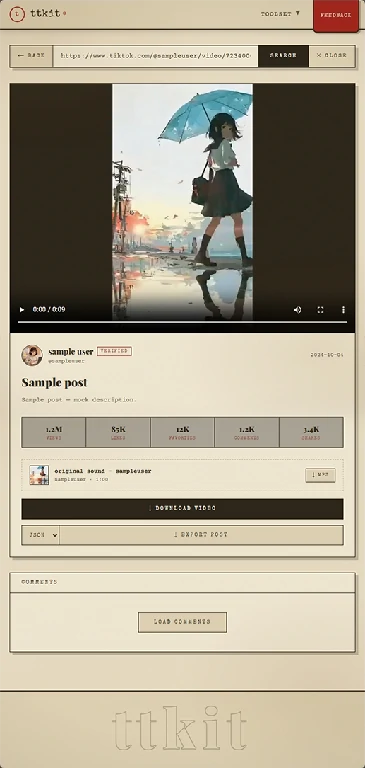
Use whichever you have. Both end in the same place: a clean MP4 on your device.
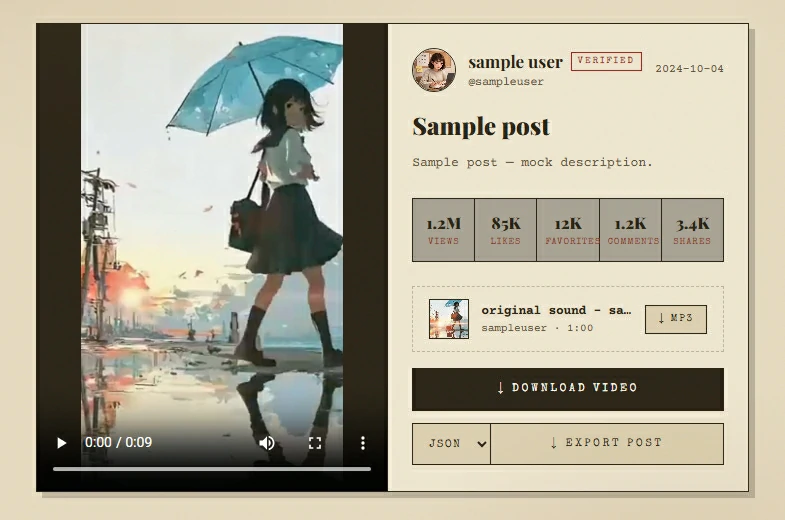
You get: The video, ready to download, plus the creator's other public videos
You get: The creator's public videos, ready to pick from
Most failures come from the link or the video, not the tool. Check these first:
If a video still can't be downloaded, you'll see: This video can't be retrieved right now. It may have been deleted, set to private, restricted, or temporarily unavailable.
A downloader is judged by the file it gives you. Here's what to expect.
Files come without the TikTok logo and username overlay, so they look clean when you share them or keep them for yourself. There's no extra editing step: the video is watermark-free when it downloads.
You get the video as it was uploaded, not a compressed copy. Sound is included.
Every download is a standard MP4 file. It opens on iPhone, Android, Windows and Mac, and works with common editing and messaging apps.
After you paste a link, you can open the creator's profile right from the result and browse their other public videos. Pick the one you want and save it. No need to go back to the app and copy another link.
In a creator's video list, sort by views, likes or comments to find the standout videos quickly, or scan by cover and length to find the one you remember.
If you want just the audio, use our TikTok to MP3 tool.
Three steps, a few seconds, on phone or desktop.
In the TikTok app, open the video, tap Share, then Copy Link, and paste it into the box above. If you don't have a link, type the @username instead.
With a link, your video is ready right away. With a username, you'll see the creator's public videos. Sort the list if you need to, then pick the one you want.
Tap Download. The file is saved to your browser's download list. Open the list to find it, then play it or move it wherever you like.
Open the creator's profile from the result and pick another one. No new link needed.
The most common question after "does it work" is "where did it go?" The file goes to your browser's download list.
Open your browser's download list to find the MP4. From there you can play it or use the share menu to send it on.
Open the download list in your browser, or check your Downloads folder.
The file appears in your browser's download list and in your Downloads folder.
People download TikTok videos for many reasons. These are the most common.

You found a video worth sending to a friend, a group chat or another app, and you don't want the TikTok watermark across it.

You posted a video and no longer have the original on your phone. Enter your own username, find the video in the list, and download it again.

Save videos for a flight, a commute or a place with poor signal, and play them whenever you want.

Keep a clip for a class, a presentation or a project, so it plays without relying on a connection.

Choose reference videos from a creator or brand, save them for a mood board or report, and keep them together in one place.

You got a link on a computer and don't want to install anything. Open this page in any browser and download.
These tools work the same way: paste a link or username, get the result, no login.
Extract the audio from a public video as MP3, M4A or WAV.
Watch an account's current public Stories anonymously, and download them before they expire.
Open a public account's Highlights in your browser, and download the ones you want.
See an account's bio, stats and recent videos, export the video list to CSV and download the profile picture.
Read, search and sort a video's comments, and export them to CSV.
Paste a link or enter a username. Get a clean MP4 in original quality, with no watermark. Free, no login.
A TikTok video downloader is a web tool that saves a public TikTok video as an MP4 file on your device, without logging in or installing an app. ttkit's downloader gives you the file without the watermark, and lets you pick videos from a creator's profile.
Copy the video link from the TikTok app, paste it into the box above and tap Download. The MP4 you get has no watermark.
Yes. Enter a username and you'll see their public videos. Pick one and download it. This also works for your own videos, as long as they're public.
Yes. Open the creator's profile from the result to browse their other public videos, then choose and download the ones you want.
In the video list, sort by views, likes or comments to bring the most popular ones to the top.
You don't need a separate converter. Every video downloaded here is already an MP4 file.
The original quality of the upload, with sound, and without the watermark.
No. This tool doesn't edit existing files. It gives you a watermark-free MP4 when you download the video from its link or from the creator's profile.
No. You don't need a TikTok account, an app or an extension. We never ask for your TikTok password. If a site asks you to log in with TikTok to download a public video, close it.
Yes. It works in any modern browser on phone, tablet or computer. Paste the link or enter a username and download.
It runs in your browser, with no login, no app and no extension. We don't store the links or usernames you enter, and downloaded files aren't kept on our servers.
Yes. It's free to use, with no login.
To your browser's download list. Open it to find the file. On computers it's also in your Downloads folder.
Yes. Nothing to install.
Yes. Use our TikTok to MP3 tool.
No. Downloading happens outside your TikTok account, so the creator isn't notified.
No. Only public videos are supported. Be careful with sites that claim otherwise. Many are scams or try to collect your login.
Usually the link is incomplete, the video was deleted or made private, or there was a temporary problem. Copy the link again from the app and retry.
ttkit is independent and isn't affiliated with TikTok. It only works with content that is already publicly available. Downloads are for personal use only. Please respect creators' rights and don't repost their work without permission.