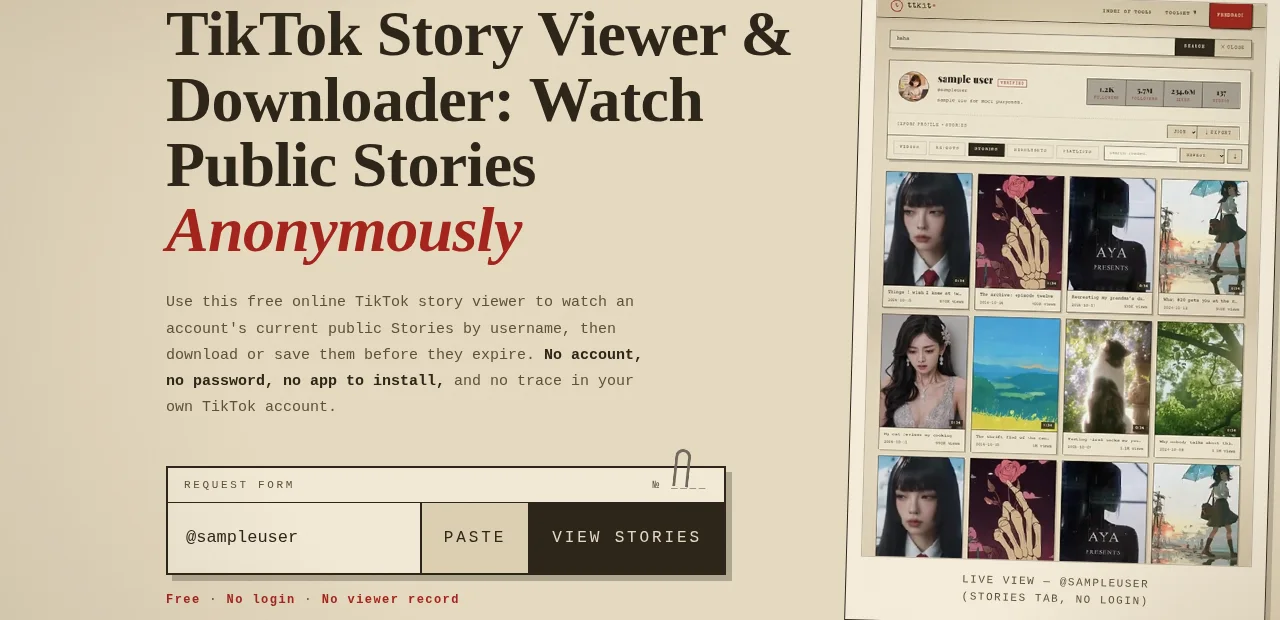
Yes. If the Story is still publicly available, you can save it in four steps:
- Copy the creator’s @username or profile link.
- Open the TikTok Story Viewer.
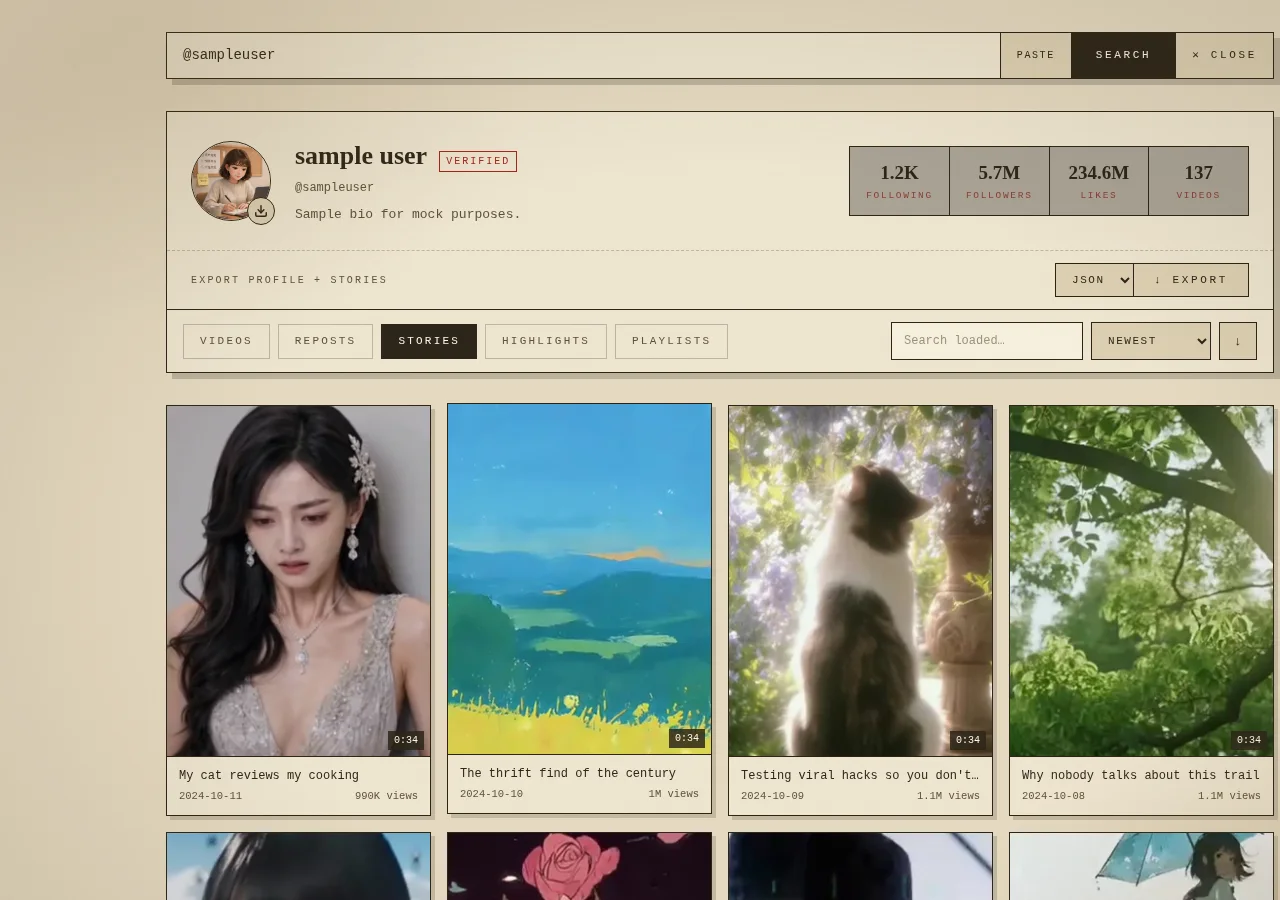
- Paste it into the search box and select View Stories.
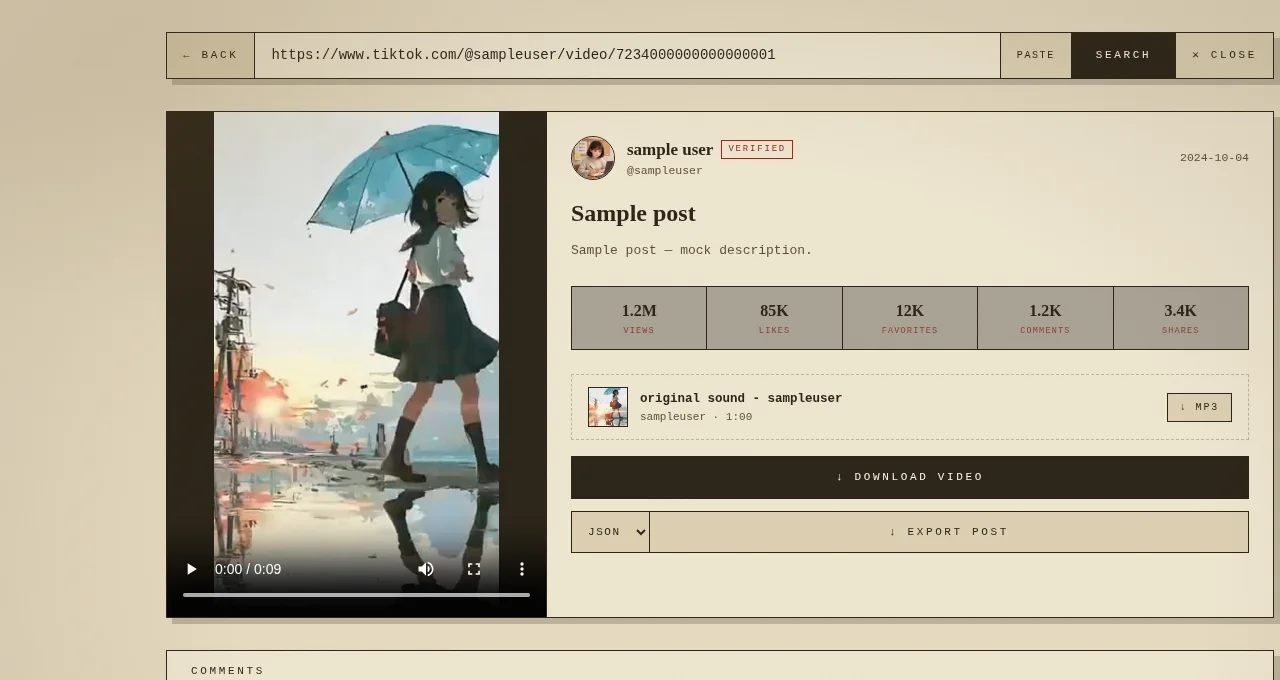
- Open the Story you want and select Download video below its player.
The Story will be saved to your device as a video or image file. To keep several Stories from the same account, go back to the results and repeat this step for each one.
TikTok Stories normally remain public for 24 hours, so download them while they are still active.
Where to find the downloaded Story
You do not need different download instructions for every device. The difference is where the browser puts the file:
| Device | Where to look | How to find or move the file |
|---|---|---|
| iPhone | Your browser’s downloads list or the Files app | To put it in your camera roll, open the file, tap Share, then choose Save Video or Save Image |
| Android | Files, My Files, or Files by Google → Downloads | Your gallery may display it automatically; otherwise, open or move it from Downloads |
| Windows or Mac | Your computer’s Downloads folder | Open the browser’s downloads list and choose Show in folder or Show in Finder |
If the download completed but is not in your gallery, that does not necessarily mean it failed. Check Files or Downloads before trying again.
How to save a Story that is more than 24 hours old
An older Story may still exist in one of three places. Which one you can use depends on who posted it and where they kept it.
1. The creator added it to a Highlight
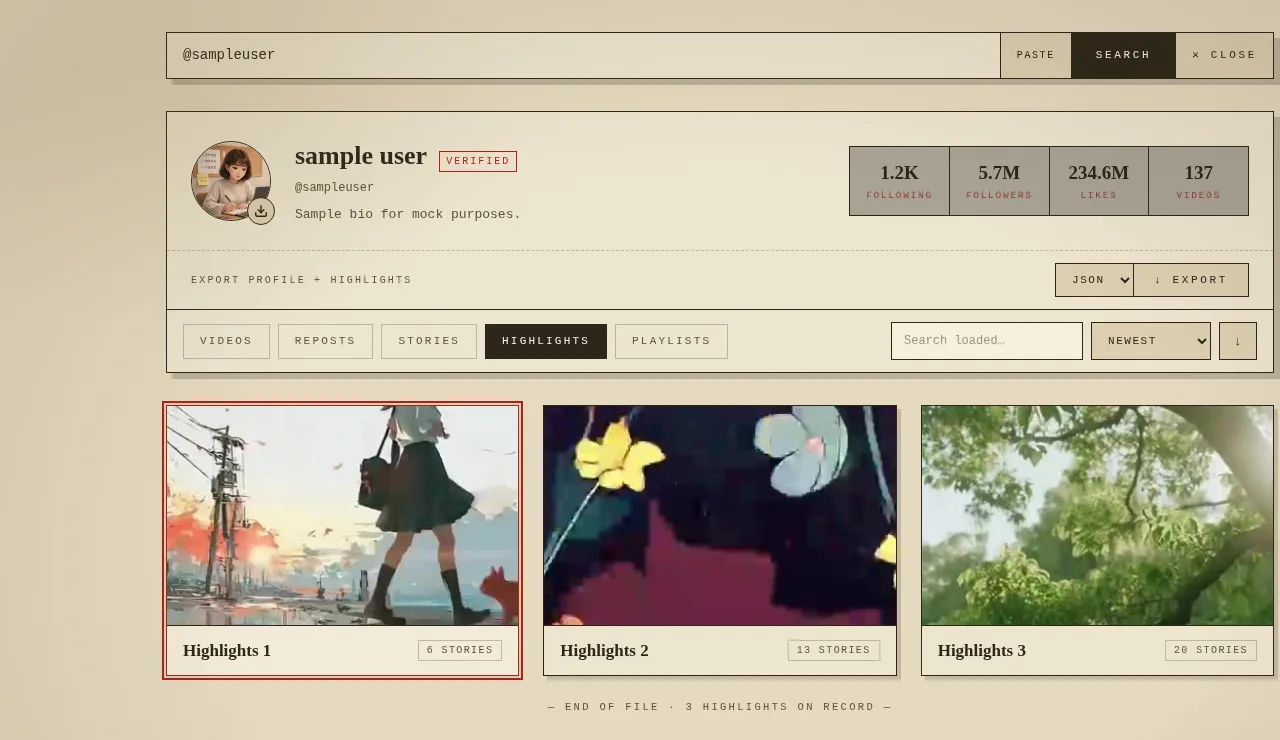
Highlights are Stories that a creator has chosen to keep on their profile. They remain available after the original Story’s 24-hour period unless the creator removes them.
To save one:
- Open the TikTok Highlights Viewer.
- Search with the creator’s username or profile link.
- Open the relevant Highlight collection.
- Find the individual Story and use its download option.
If you are looking for an older Story, checking Highlights is usually more useful than repeatedly searching the active Stories tab.
2. It is your own Story
For your own expired Stories, check your Story archive in TikTok. Open the archived Story and use TikTok’s save or download option if one is available.
The archive belongs to your account; it is not part of the public Stories shown by a viewer. Its location and available options can vary by app version, region and settings.
If you cannot find the Story in the archive, check:
- your phone’s gallery and Downloads folder;
- your cloud photo backup;
- the original photo or video used to make the Story;
- any Highlight to which you added it.
For future Stories, keeping a local copy when you create or post them avoids having to rely on the archive later.
3. It was reposted as a regular TikTok video
Sometimes the same footage appears on the creator’s profile as a regular post rather than a Story or Highlight. In that case, open the post and save it with the TikTok Video Downloader.
If someone else’s expired Story was not added to a Highlight or reposted, there is no longer a public Story for the viewer to download. You would need to ask the creator for a copy.
If the Story Viewer says there are no Stories
Work through the cause that matches your situation instead of repeatedly submitting the same search.
| What is happening | Likely reason | What to do next |
|---|---|---|
| The profile loads, but there are no Stories | The account has no active public Stories | Check its Highlights or try again when a new Story is posted |
| You saw the Story earlier, but it is gone now | It expired or the creator deleted it | Check Highlights and the creator’s regular posts |
| The wrong account appears | The username was misspelled or has changed | Copy the current profile link directly from TikTok and search with that |
| You can see it in TikTok, but not in the viewer | The account or Story is not publicly available | Public viewing tools cannot access private or restricted Stories |
| Only one Story appears | The account currently has only one available Story | This is normal; older Stories may already have expired |
| An old Story link no longer works | The public Story has expired | Search the account’s Highlights instead of reusing the old link |
If the Story appears but will not download
The download button does nothing
Open your browser’s downloads list and check whether the file is waiting for confirmation. If the browser asks for permission to download files, allow it.
When downloading several Stories in succession, some browsers ask separately for permission to download multiple files.
The download stops or the file will not open
The file may be incomplete. Check that your device has enough storage, switch to a stable connection, and try the download again while the Story is still available.
If a downloaded video still will not play after a complete download, try opening it with another modern media player before assuming the Story is damaged.
The file finished, but you cannot find it
Open the browser’s downloads list rather than searching only your gallery. From there, use the option to open the file’s location.
On iPhone, remember that a file in Files → Downloads does not automatically appear in Photos. Use Share → Save Video or Save Image if you want it in the camera roll.
You expected a video but received an image
The file type follows the Story being saved. A photo Story produces an image; a video Story produces a video file.
Other common questions
Can I save a TikTok Story without logging in?
Yes. ttkit does not require a TikTok account or password to view and download current public Stories. Accessing your own private Story archive is separate and must be done through your own TikTok account.
Will my username appear in the creator’s viewer list?
No TikTok account of yours is used when you watch or download through ttkit, so your username is not attached to the view.
Can I save Stories from a private account?
No. Only publicly available Stories are supported. Being able to view a restricted Story through your own approved TikTok account does not make it publicly downloadable.
What quality and format will I get?
Video Stories are downloaded as video files, including MP4 where provided by the available source, and photo Stories as image files. ttkit saves them in the available original quality.
Can I keep a Story permanently?
Yes—once the file has finished downloading, it remains on your device like any other video or image. Back it up somewhere safe if it is important. The copy stored on your device is separate from the Story’s later status on TikTok.